By Daniel | 20 May 2020 | 0 Comments
ipega PG-SW012 Wired Game Controller Joystick for N-Switch Phantom Elf Wired handle with magnetic ri
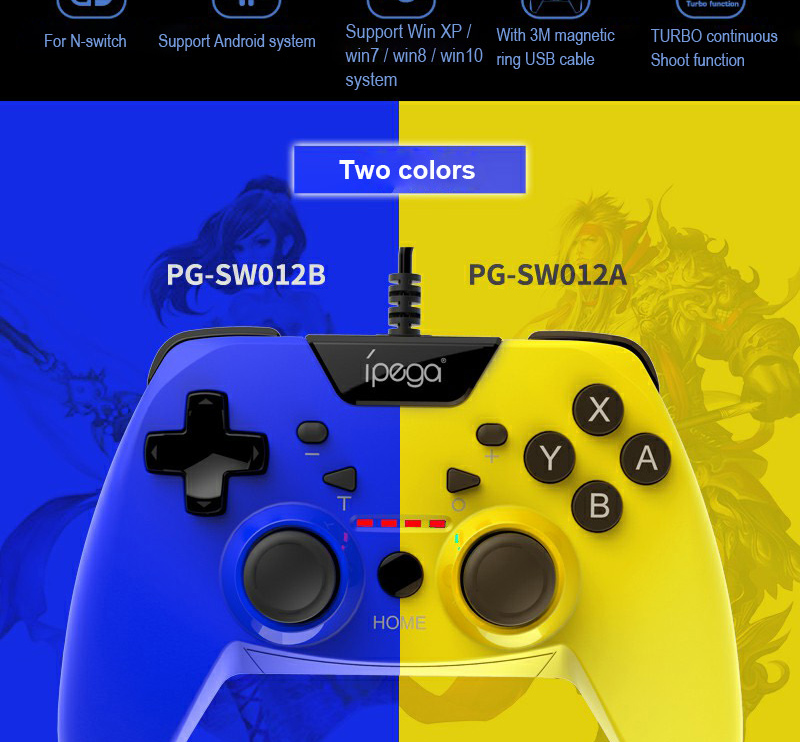
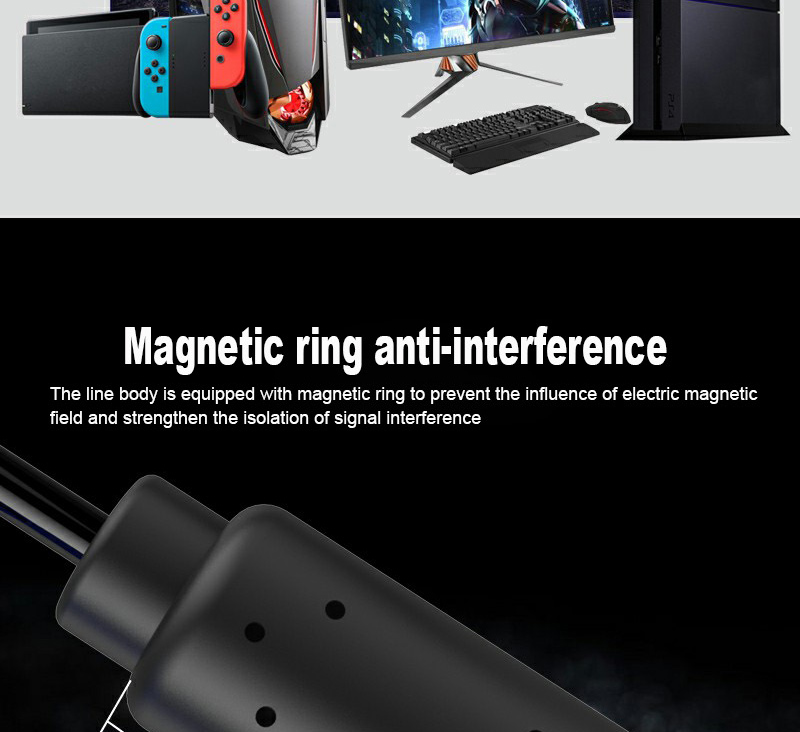
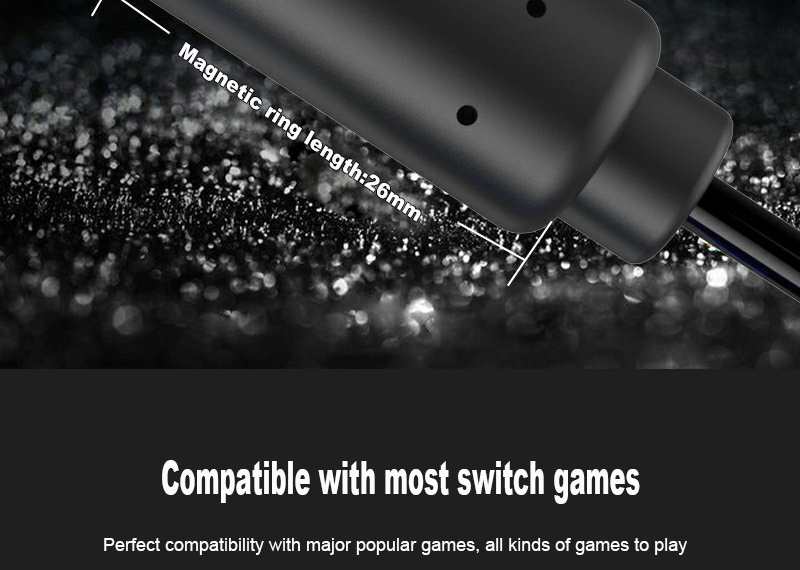
ipega PG-SW012 Wired Game Controller Joystick for N-Switch Phantom Elf Wired handle with magnetic ring 3 meters support for Android PS3/PC controller




 properties
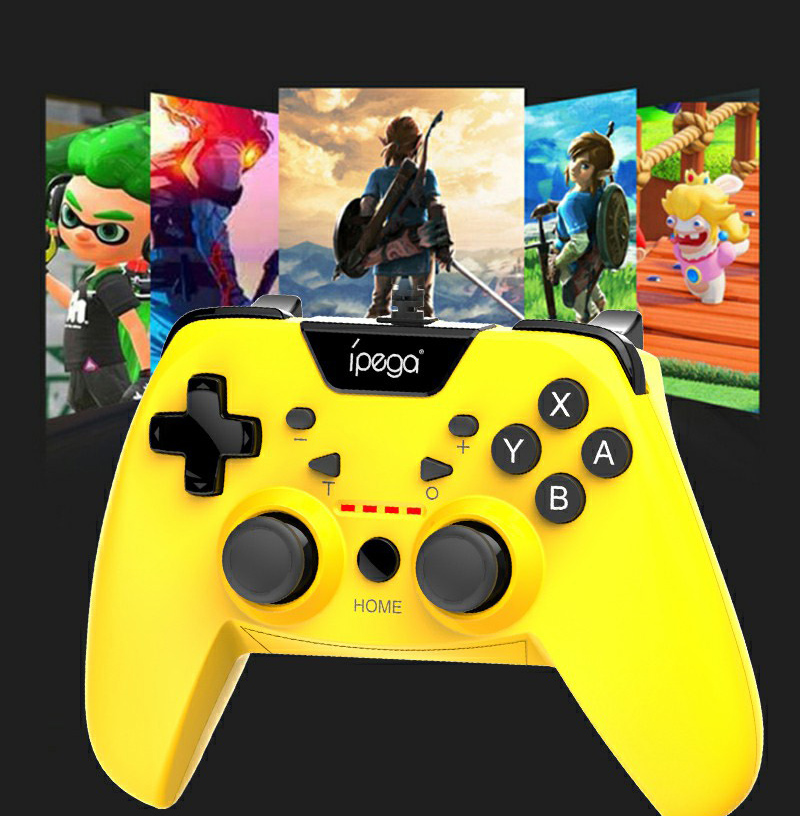
1. This controller is suitable for operating games on N-Switch / PS3 / Android and computer devices (Win 7 or higher).
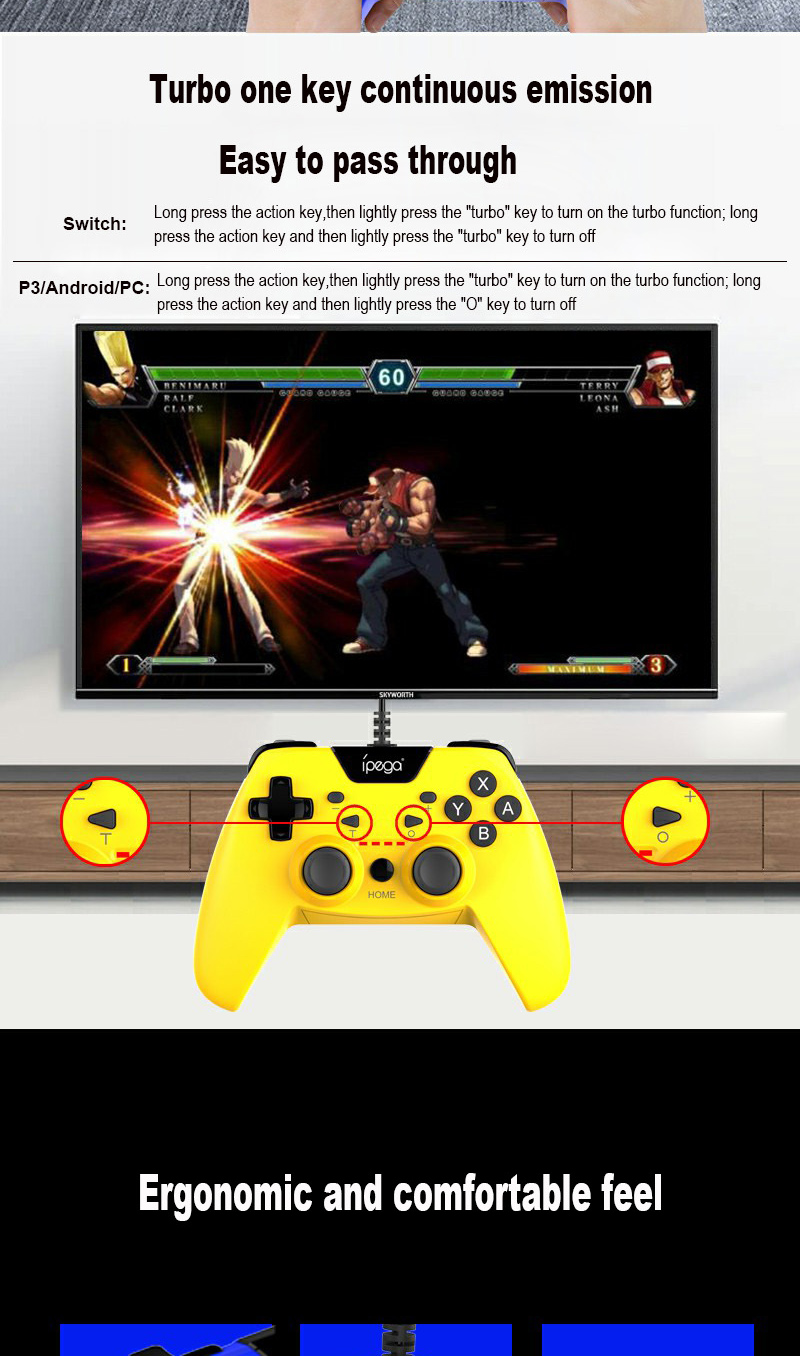
2. The function keys of this controller correspond to the key functions of the N-Switch_pro controller and support the TURBO continuous operation function.
3. This controller supports a cable connection for game control.
* Some games cannot be connected to this product due to irresistible factors such as official software upgrades of the game platform or changes to the source code. Our company is not responsible for any. Our company reserves the right to make final interpretations.
Change host connection
① Before connecting, make sure that the cable connection of the pro handle is activated in the system settings of the N-Switch host.
② The handle is connected to the switch base via a USB data cable, and the corresponding indicator on the handle always lights up.
③ Disconnect the USB cable and pull off the handle!
Android device connection (Android standard HID mode)
① Hold down the "START" button and connect the handle's data cable to the Android device. At the same time, the LED1 indicator on the handle always lights up.
② Disconnect the USB cable and the handle!
PS3 host connection
① Hold down the "START" button and at the same time connect the data cable of the handle to the PS3 device. The handle LED is assigned automatically and always lights up.
② Disconnect the USB cable and the handle
PC host connection
① Hold down the "START" button and at the same time connect the handle's data cable to the PC device. The LED 2 of the handle is always on.
② PC device supports mode switching:
After connecting, P3 mode (D-INPUT) is used by default. Press and hold HOME for 5 seconds to switch to 360 mode (X-INPUT).
③ Disconnect the USB cable and pull off the handle
Product parameters
Working voltage: DC5V
Working current: <30mA
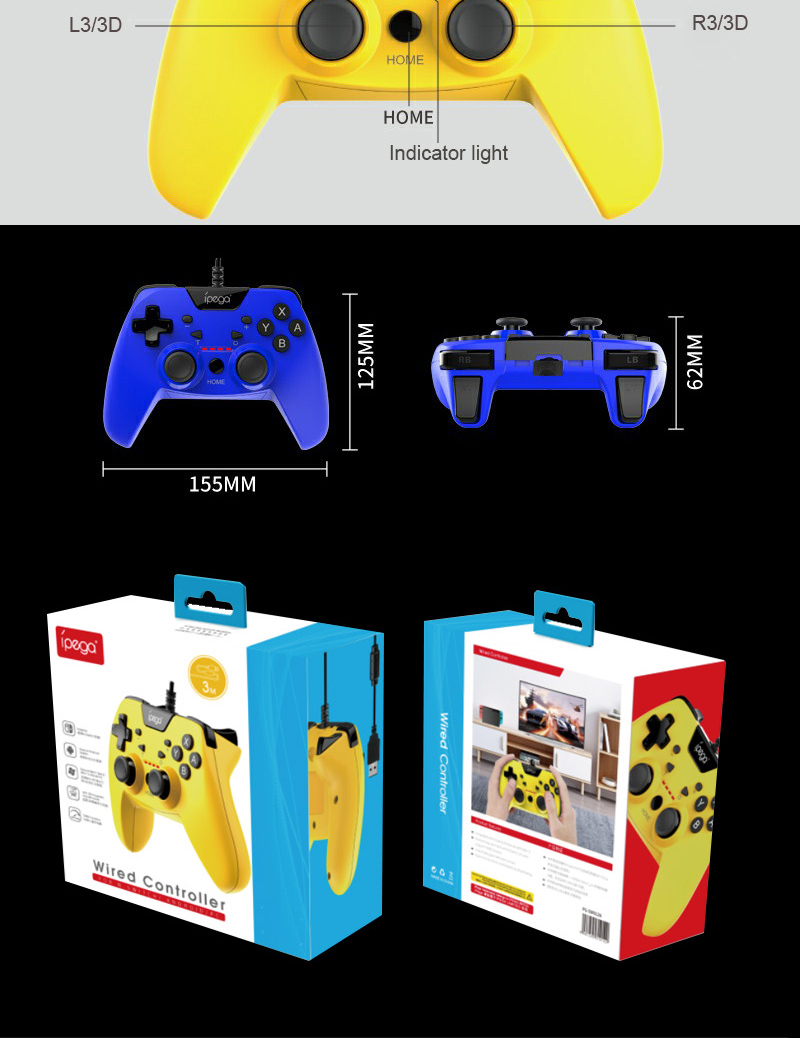
Package size: 16.4 * 6.3 * 17cm
Package weight: 329 g, naked 242 g


 properties
1. This controller is suitable for operating games on N-Switch / PS3 / Android and computer devices (Win 7 or higher).
2. The function keys of this controller correspond to the key functions of the N-Switch_pro controller and support the TURBO continuous operation function.
3. This controller supports a cable connection for game control.
* Some games cannot be connected to this product due to irresistible factors such as official software upgrades of the game platform or changes to the source code. Our company is not responsible for any. Our company reserves the right to make final interpretations.
Change host connection
① Before connecting, make sure that the cable connection of the pro handle is activated in the system settings of the N-Switch host.
② The handle is connected to the switch base via a USB data cable, and the corresponding indicator on the handle always lights up.
③ Disconnect the USB cable and pull off the handle!
Android device connection (Android standard HID mode)
① Hold down the "START" button and connect the handle's data cable to the Android device. At the same time, the LED1 indicator on the handle always lights up.
② Disconnect the USB cable and the handle!
PS3 host connection
① Hold down the "START" button and at the same time connect the data cable of the handle to the PS3 device. The handle LED is assigned automatically and always lights up.
② Disconnect the USB cable and the handle
PC host connection
① Hold down the "START" button and at the same time connect the handle's data cable to the PC device. The LED 2 of the handle is always on.
② PC device supports mode switching:
After connecting, P3 mode (D-INPUT) is used by default. Press and hold HOME for 5 seconds to switch to 360 mode (X-INPUT).
③ Disconnect the USB cable and pull off the handle
Product parameters
Working voltage: DC5V
Working current: <30mA
Package size: 16.4 * 6.3 * 17cm
Package weight: 329 g, naked 242 g
Leave a Reply
Your email address will not be published.Required fields are marked. *