2020 Car DVR HD 3D 360 PRO Surround View System Driving With Bird View Panorama System 4 Car 360 Cam
2020 Car DVR HD 3D 360 Pro Surrounding Camera System with Bird Panorama System 4 Car Cameras 3D 1080P DVR G-Sensor New
Product launch
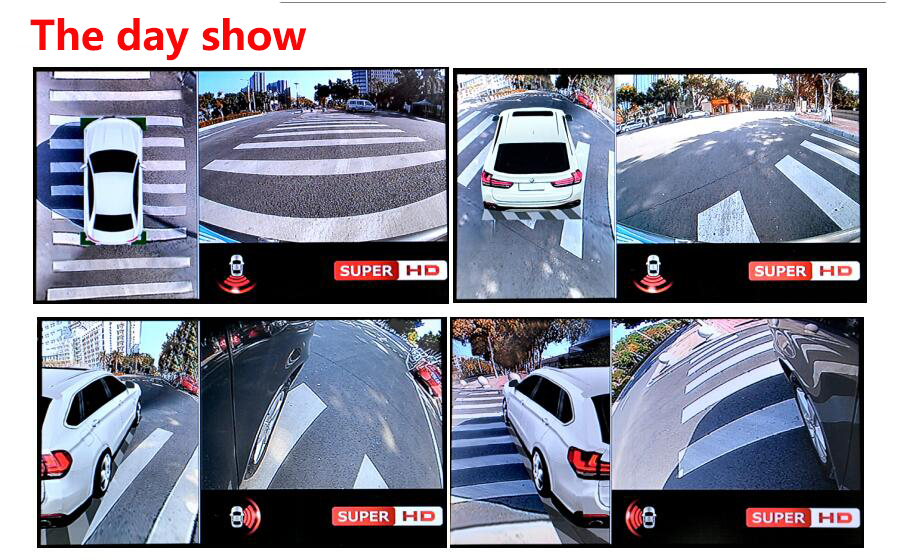
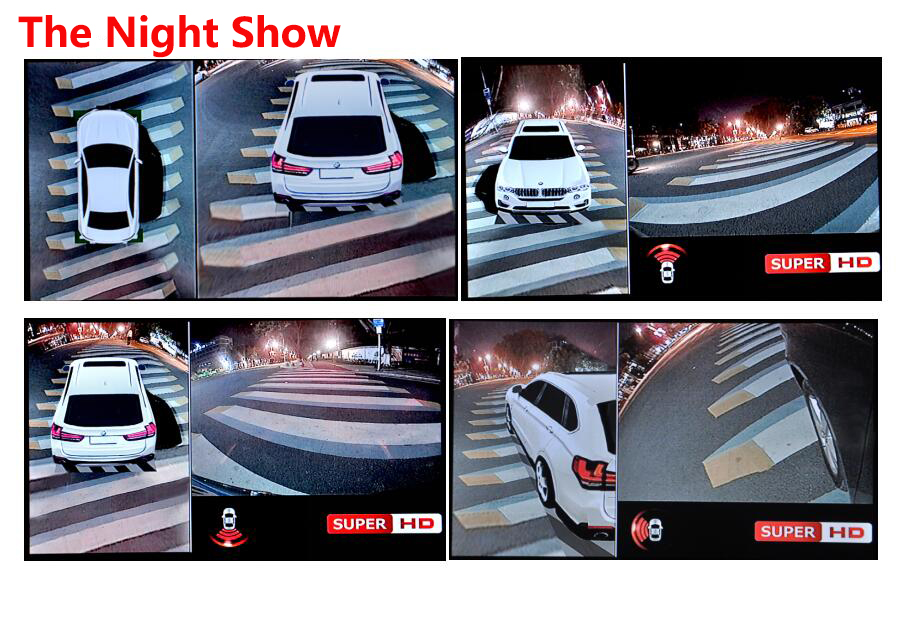
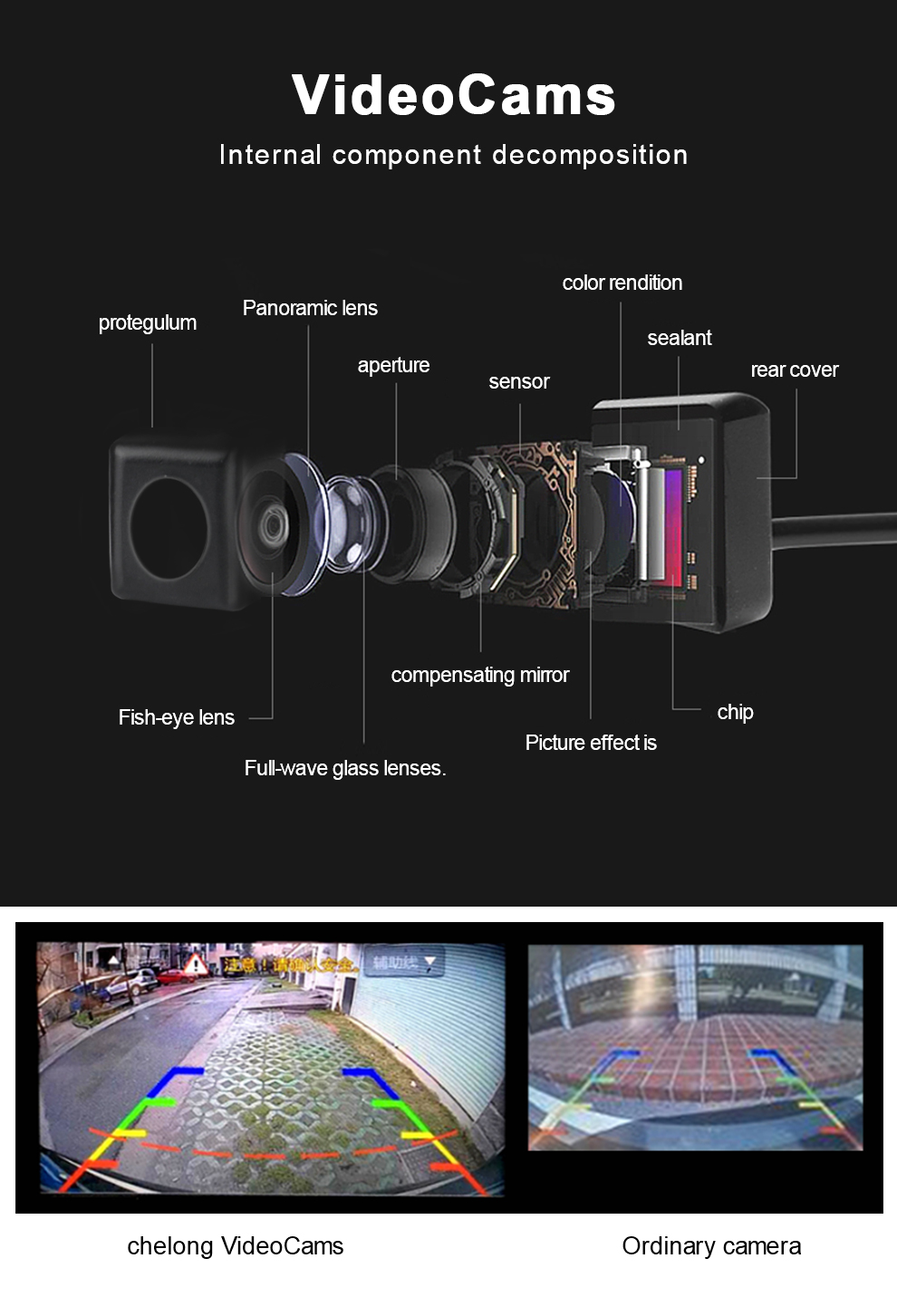
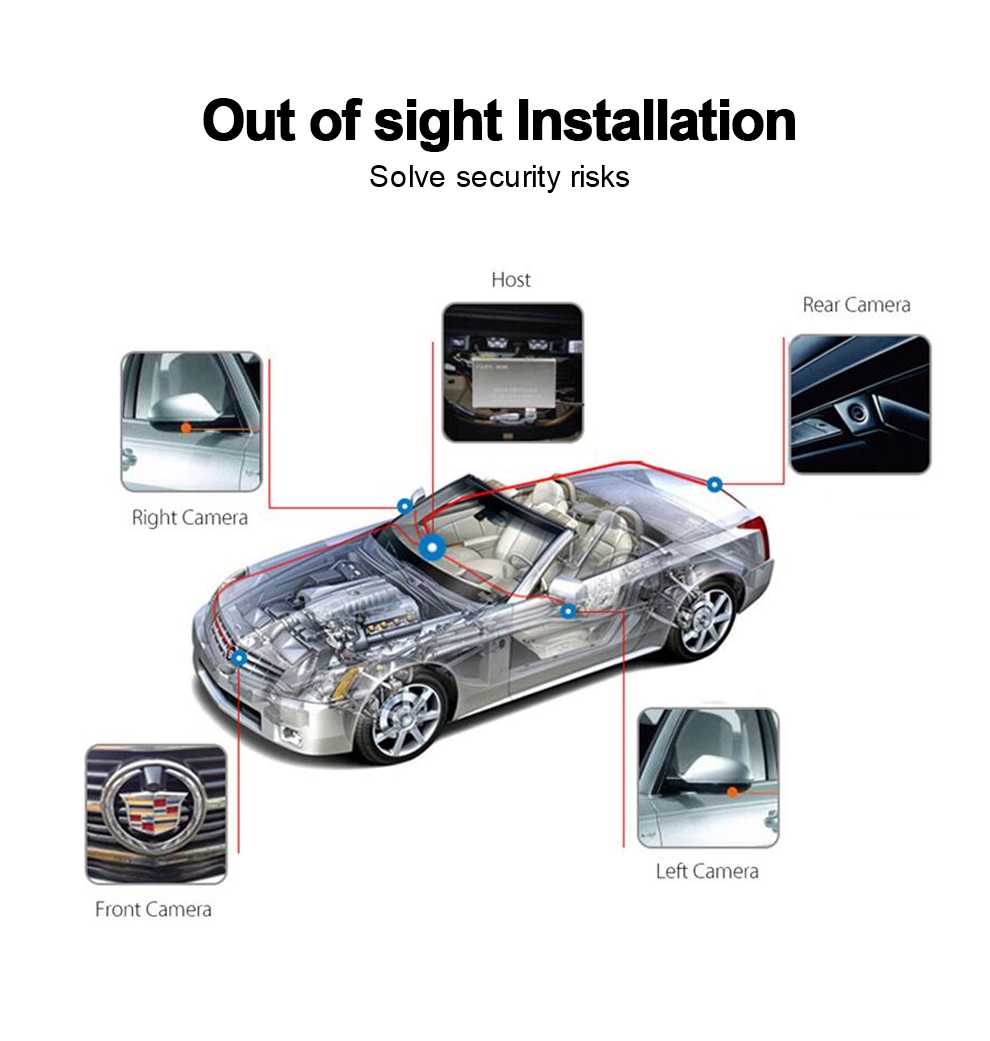
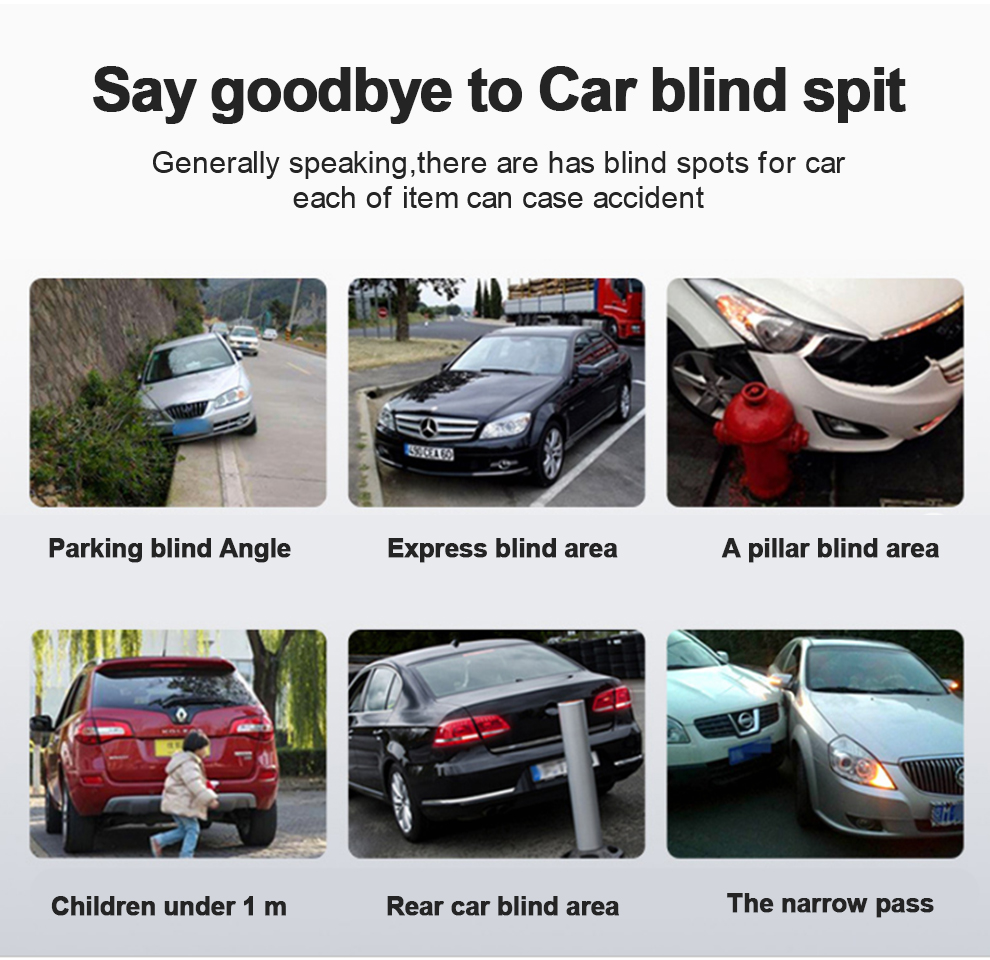
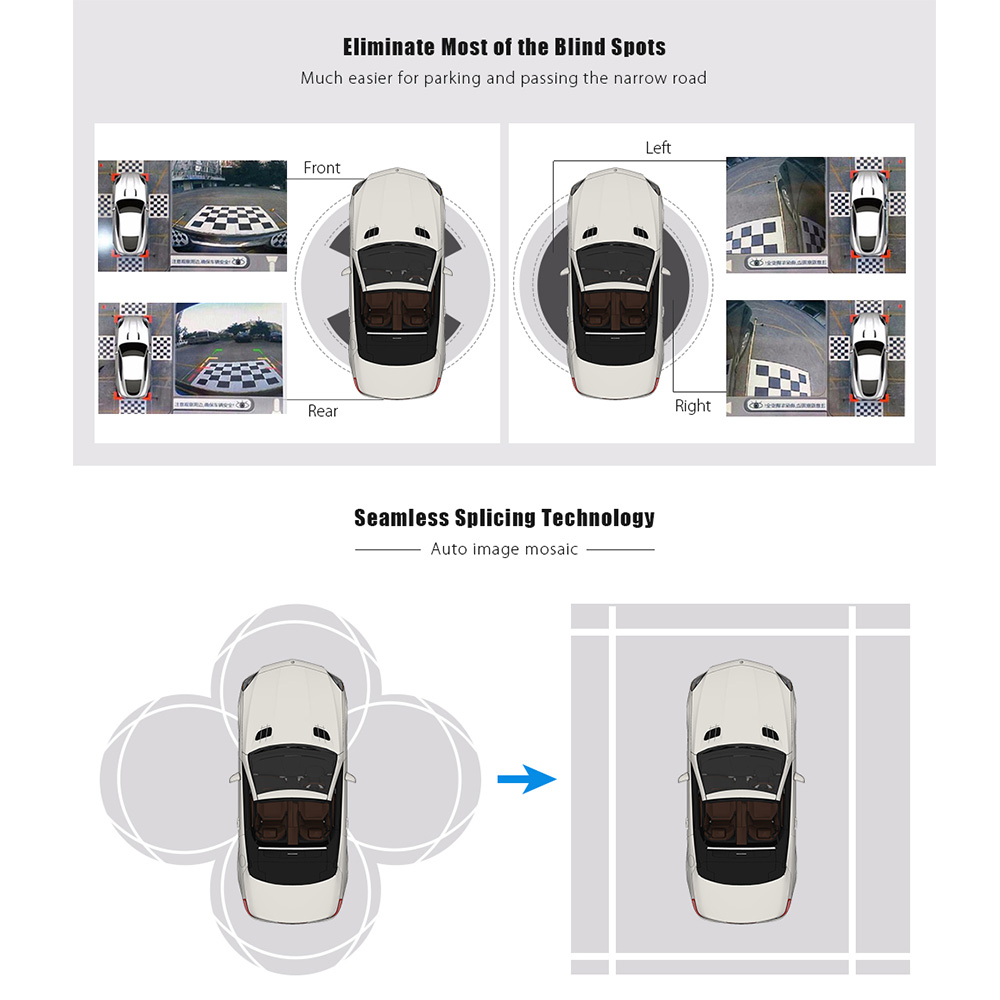
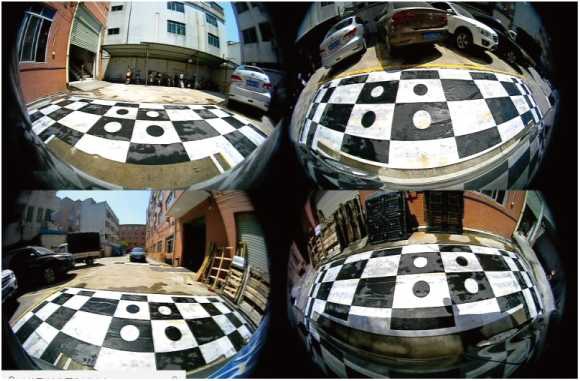
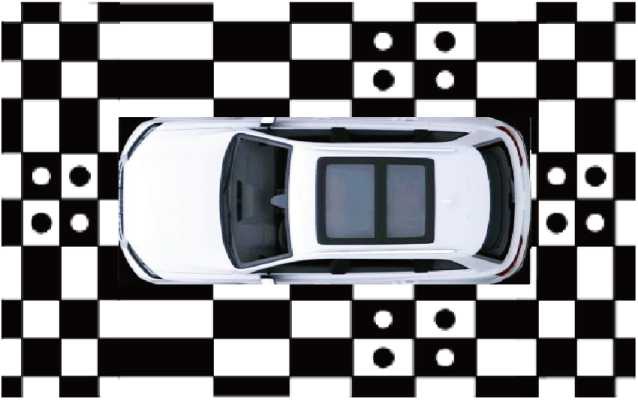
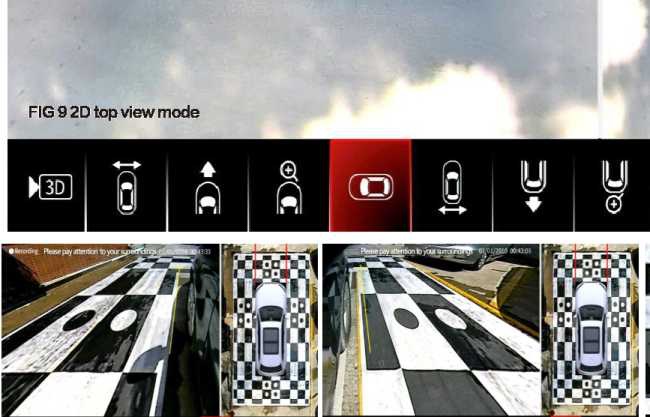
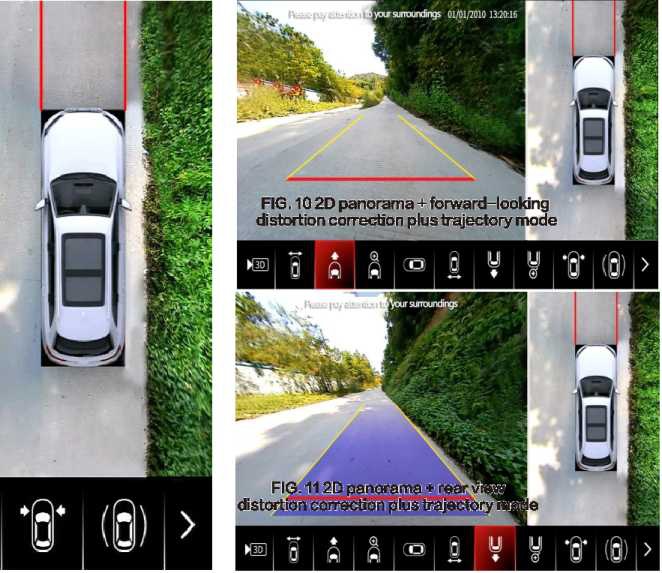
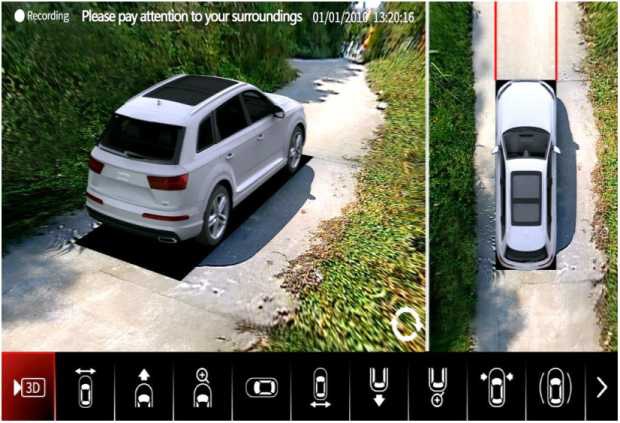
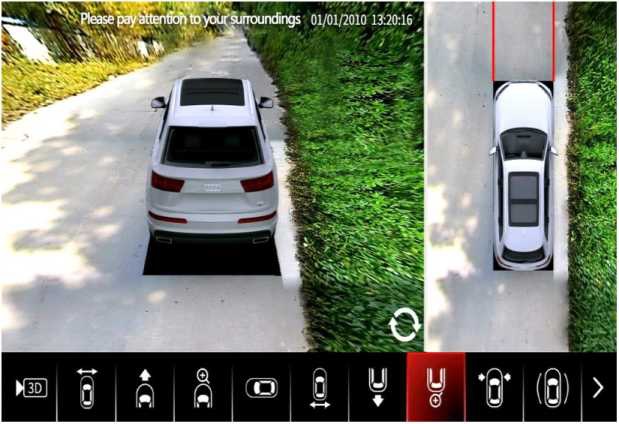
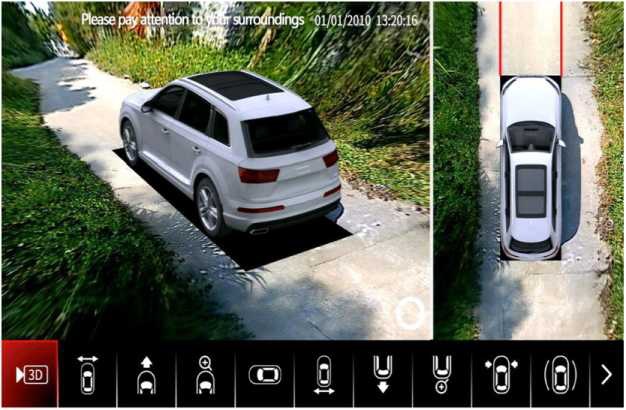
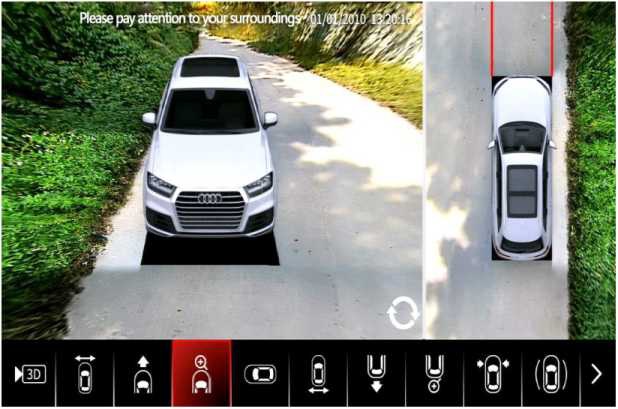
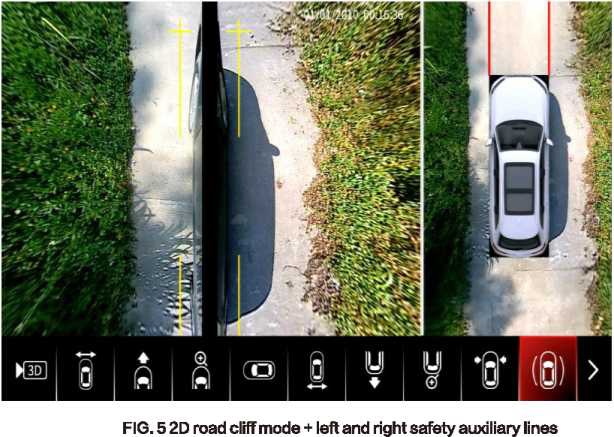
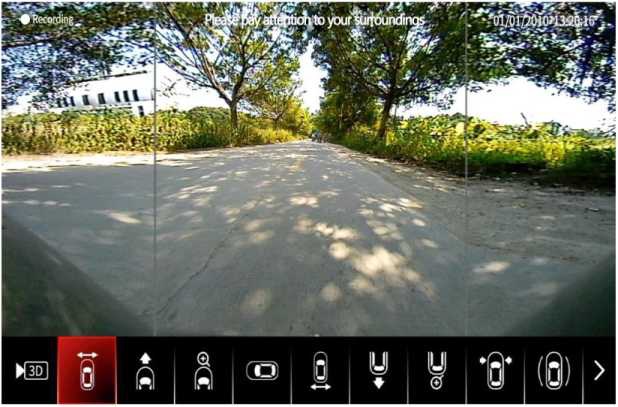
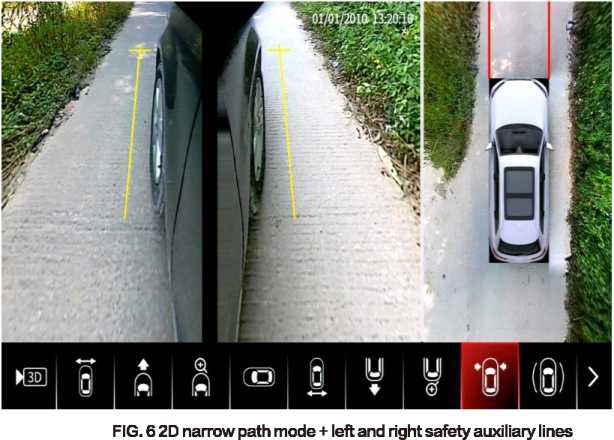
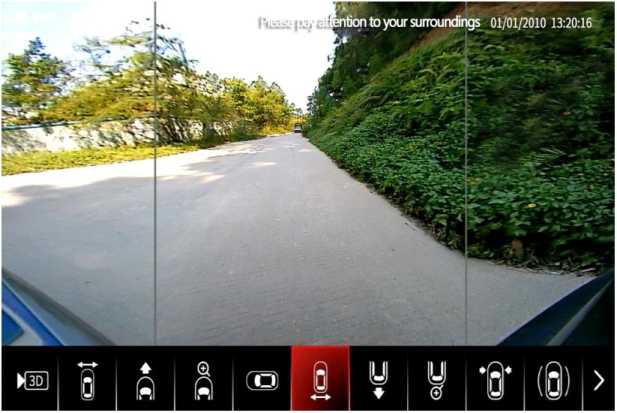
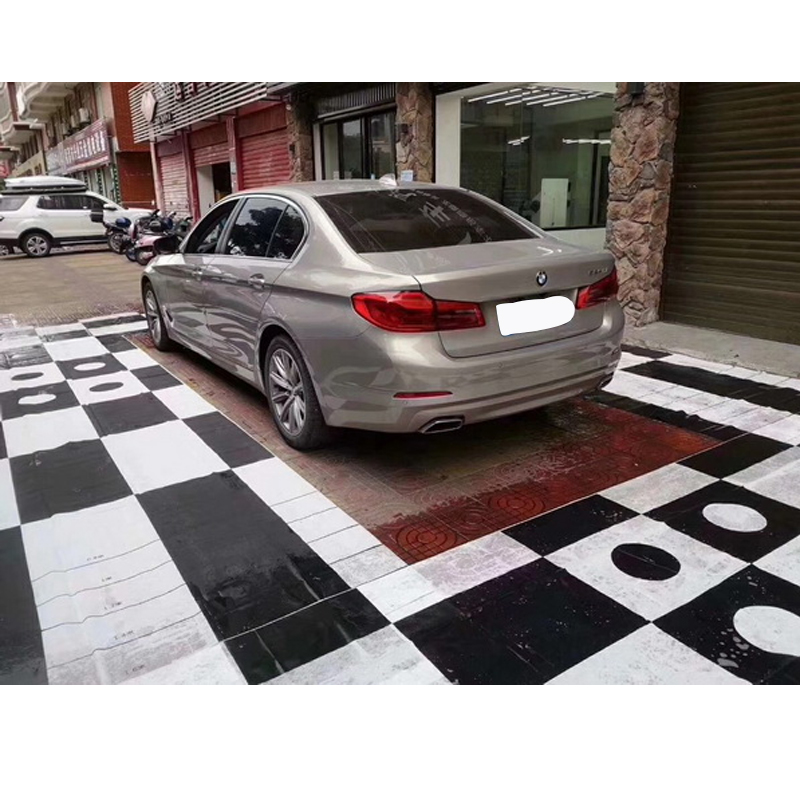
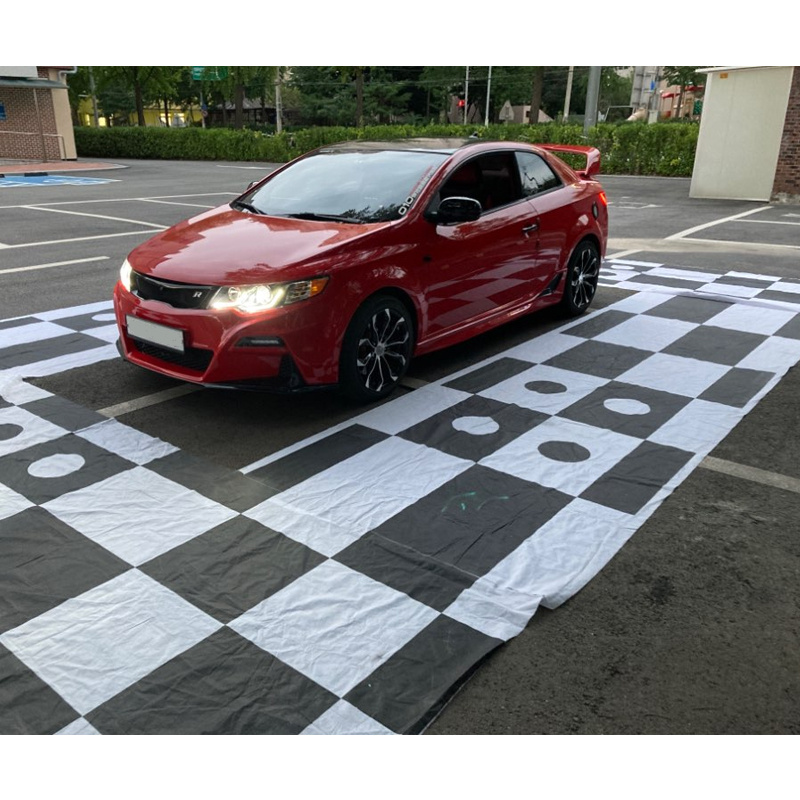
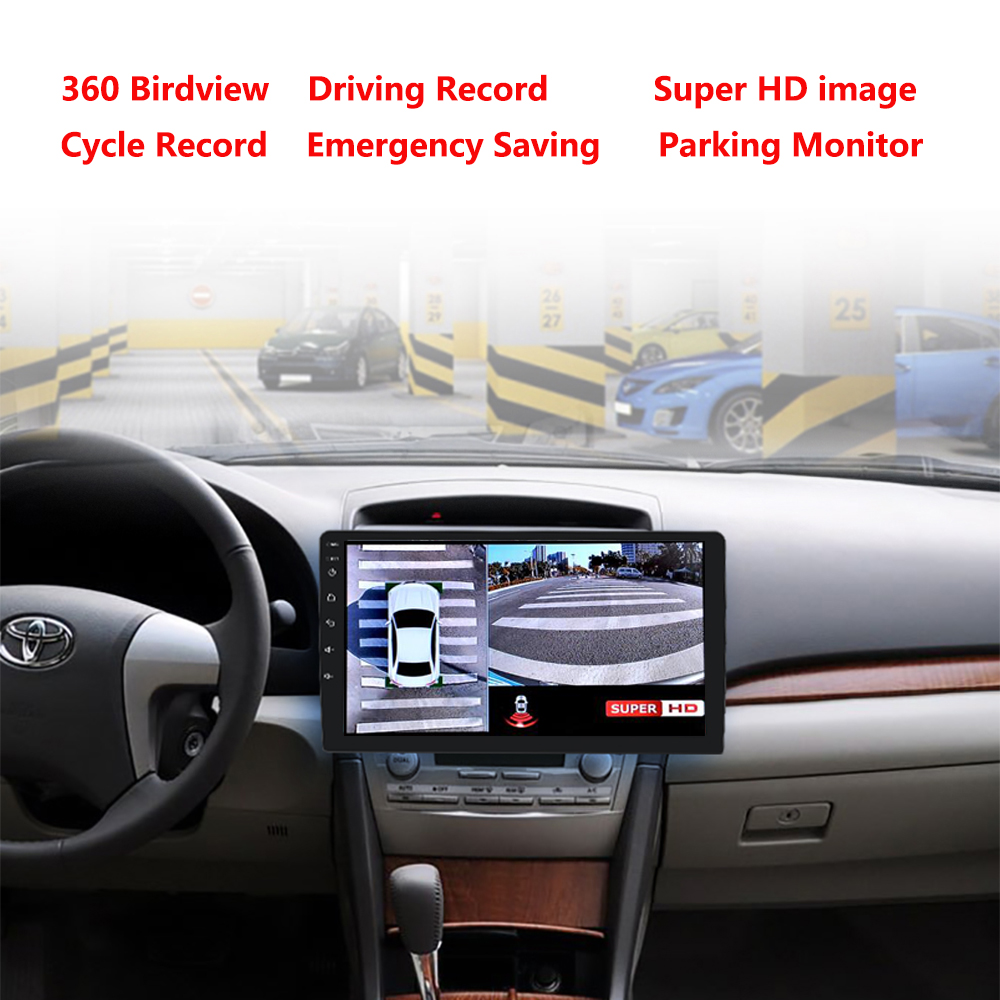
Around 360 panoramic parking spaces are installed simultaneously around the image thanks to the synthesis unit in the front and rear of 4 ultra-wide-angle fisheye camera collection vehicles; Image distortion correction algorithm, splicing and fusion, form a picture of a vehicle 360 degrees from 2d and 3d panorama, real-time transmission to the central screen, make the driver by viewing the environment can visualize body on the ground there is no perspective blind spot, can help the driver confirm whether there are any obstacles around the vehicle clearly; help the driver to easily cope with complex surfaces and parked vehicles. The product is easy to install, stable and reliable.
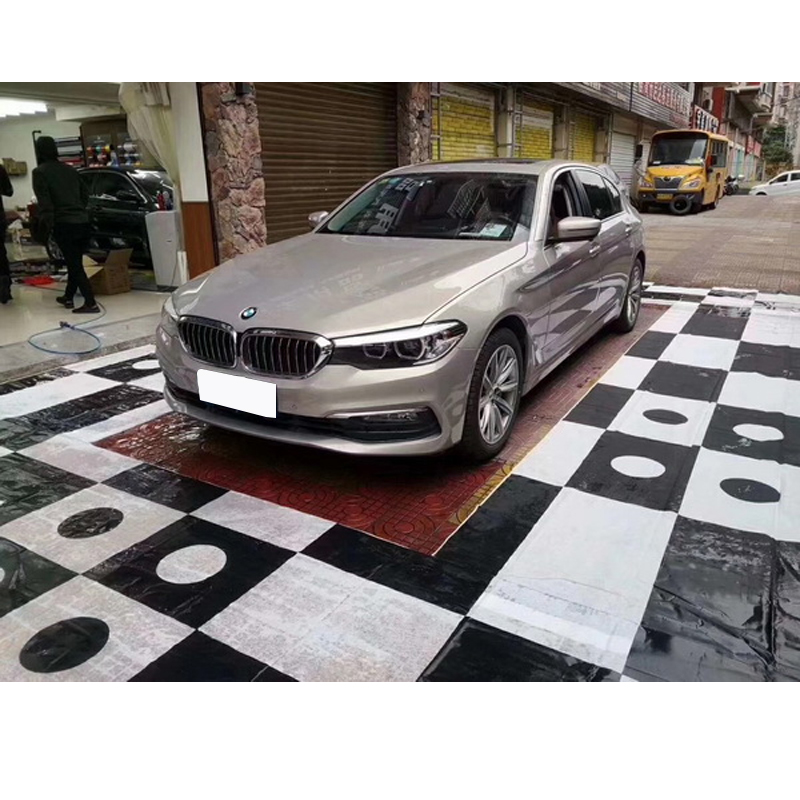
It is built into the dynamic packaging line as this picture shows, and it is suitable for all types of vehicles.
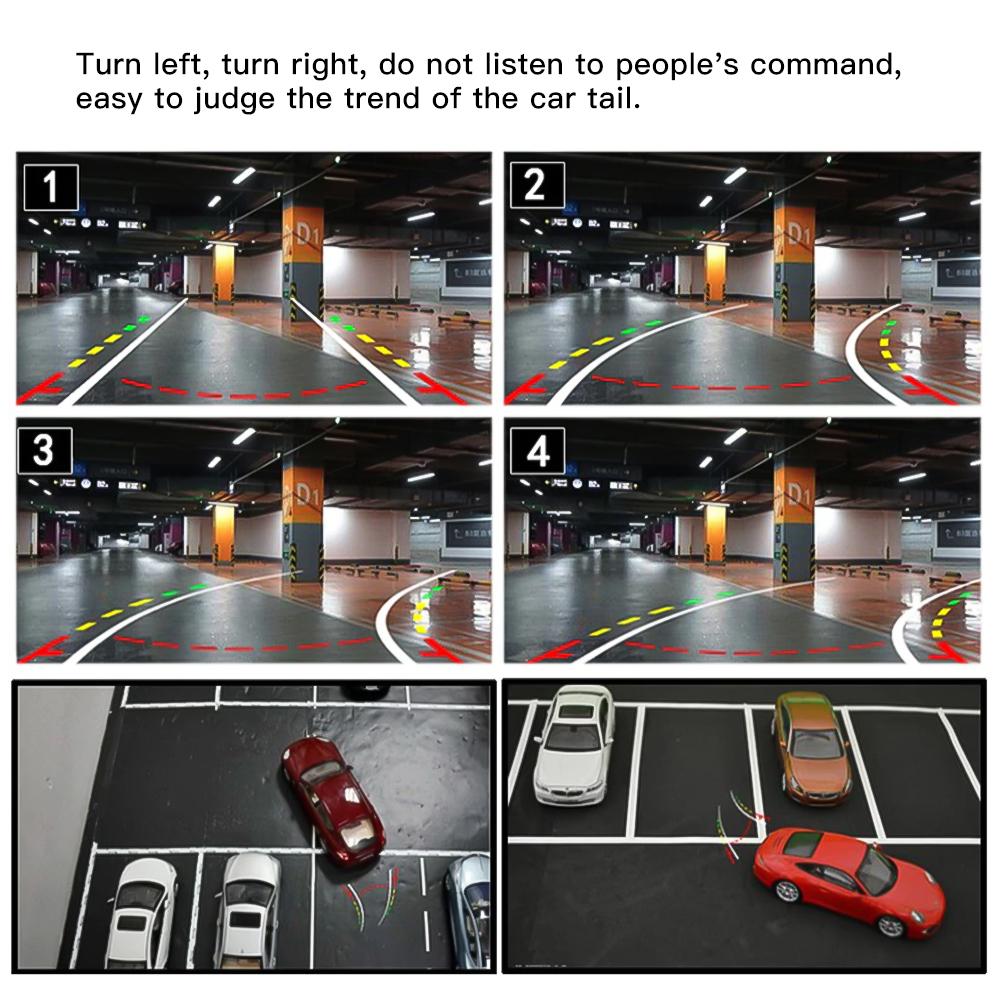
Turn left, turn right, don't listen to people's command, easy to judge which way the rear of the car is moving.
Product features
• Boot around, the environment is clear
• Supports 2D panorama, 3D panorama, single image hill screen display off and open and other combined display modes
• Supports AHD, CVBS, VGA and other signal formats for the output interface
• Support of the fully automatic one-key calibration without manual adjustment, seamless splicing and no blind
spots on the ground • 4-channel video real-time driving recording, local playback
• Four-channel AHD-HD signal input, clear and uniform image quality
• Narrow road conditions in real time, drive safer
product specification
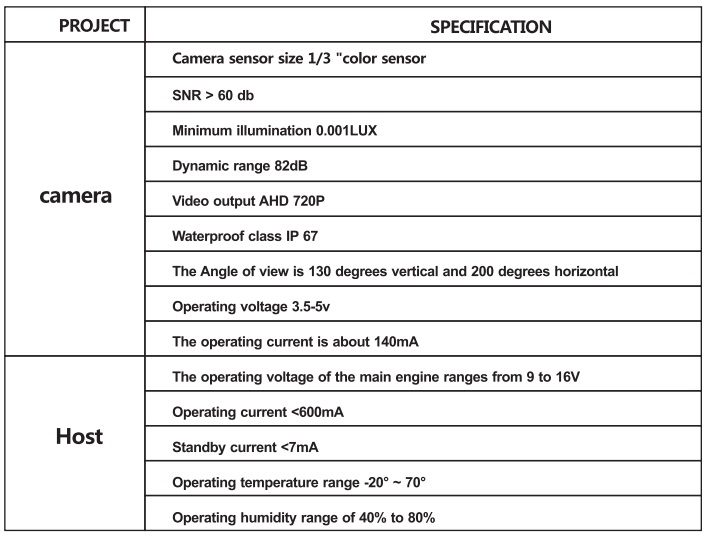
Specifications:
OSD menu for IR remote control
Video input: 4-channel video input
Effektive Pixel: 1280 (H) * 960 (V) Video
Video output: CVBS / VGA / HDMI
Video resolution: 720 * 480 1280 * 720
Display mode: single image / three image / four image display and 3D image.
Videostandard: NTSC / PAL
Record Mode: Auto Record / Detect Record / Manual Record
Recording channel: 4 channels (1-4 channels optional)
Playback of records: Available
Data storage: Support 4G ~ 32GB SD card
Software upgrade: Support SD upgrade
Working voltage: 9-16V DC
Working current: <= 7mA
Working temperature: -30-75 degrees
To mark:
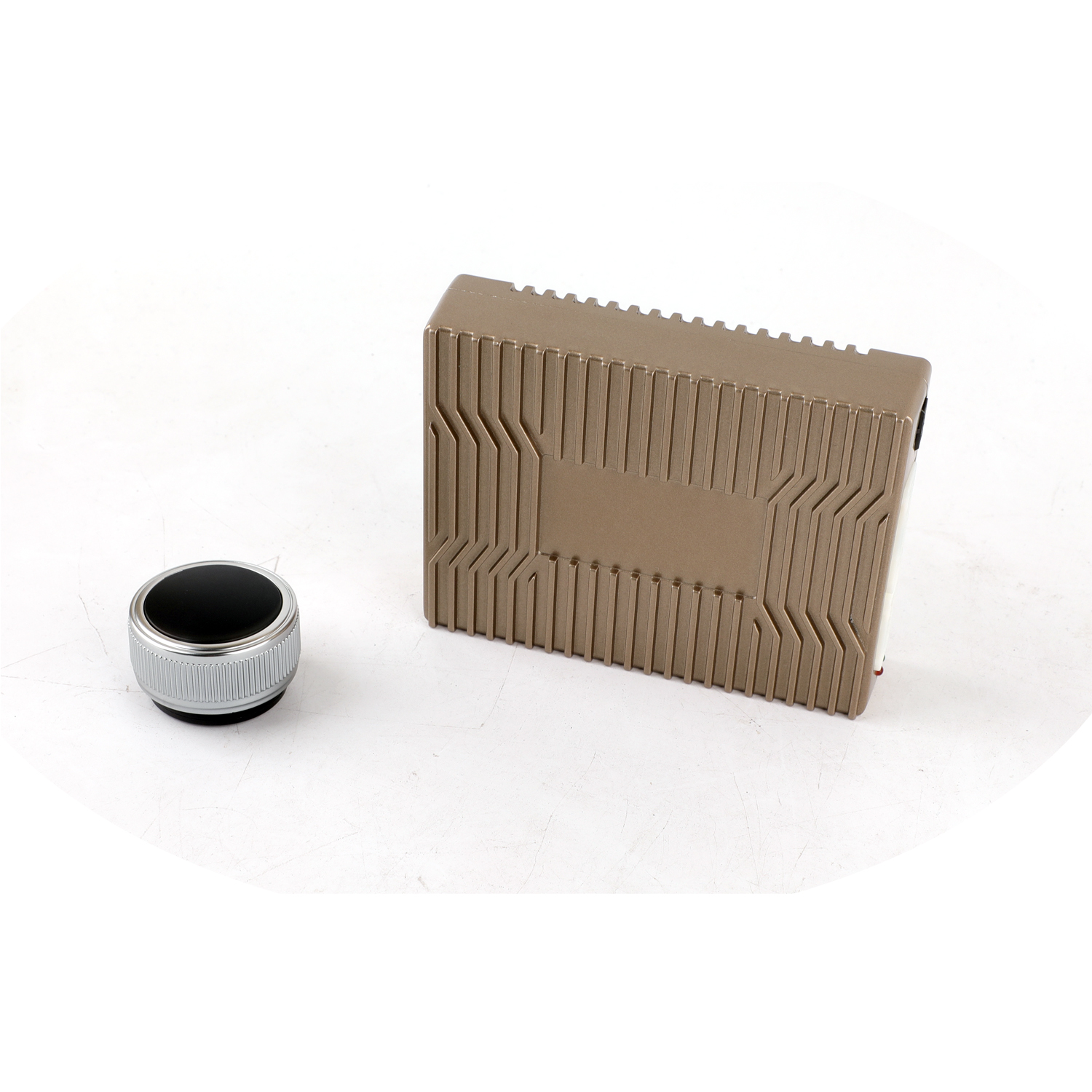
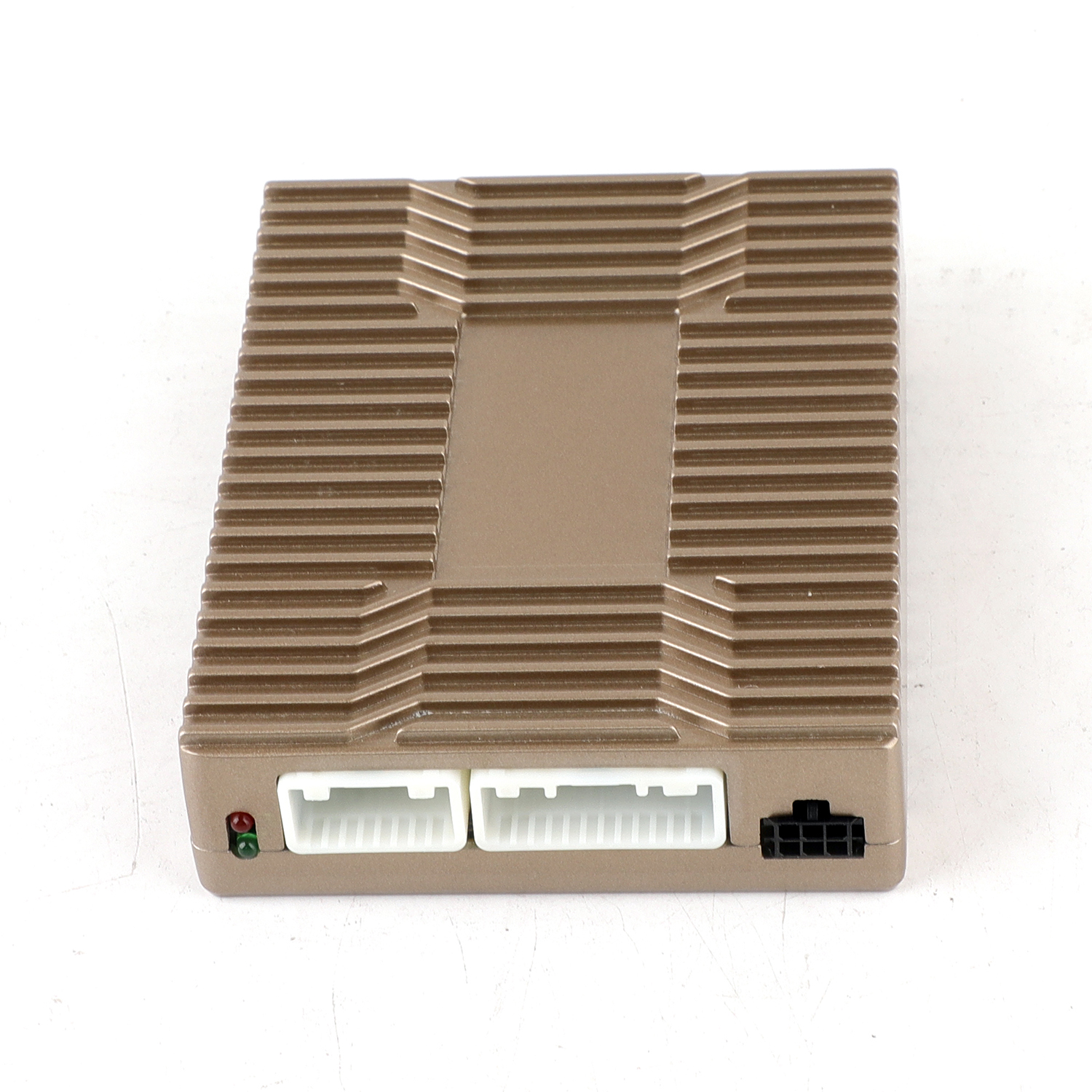
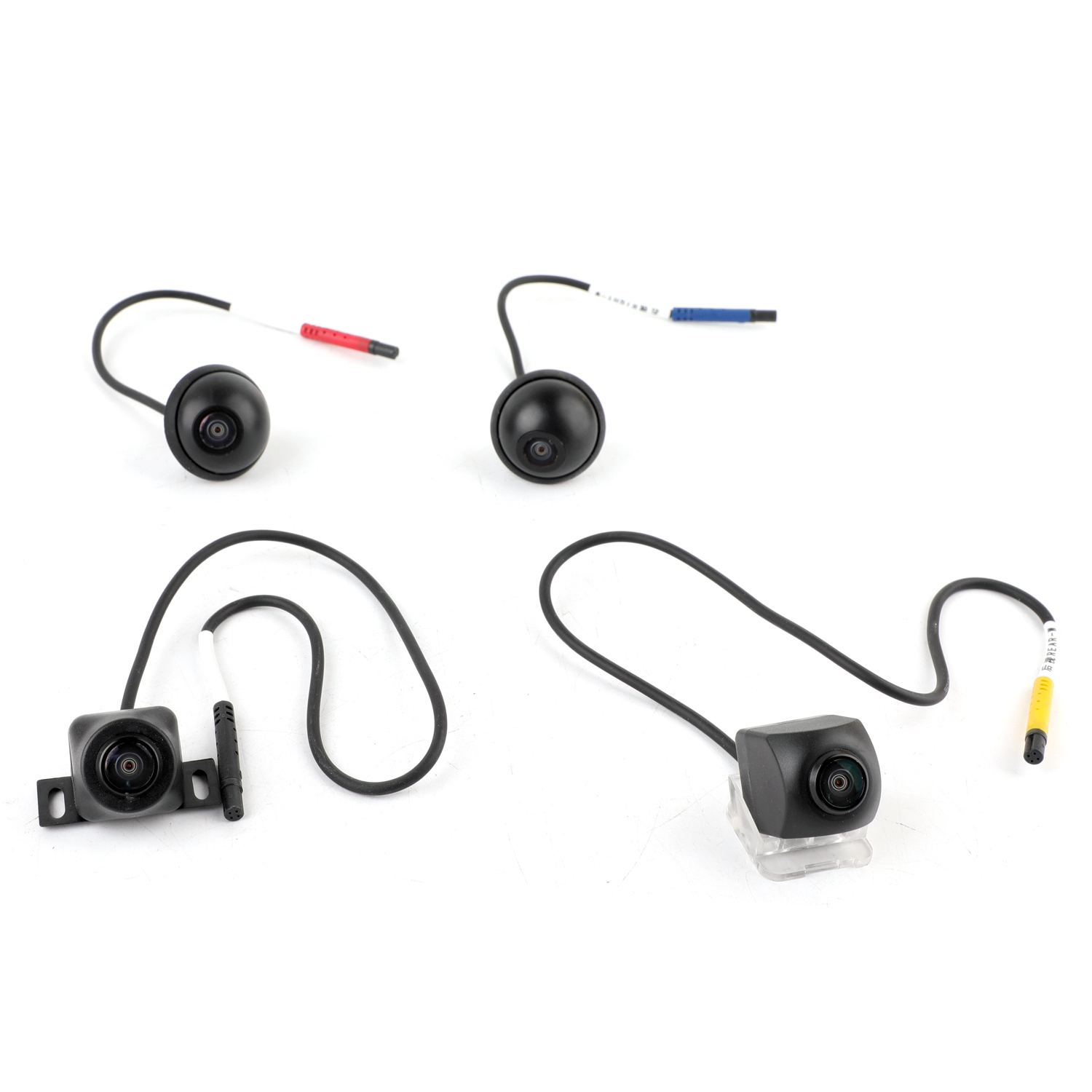
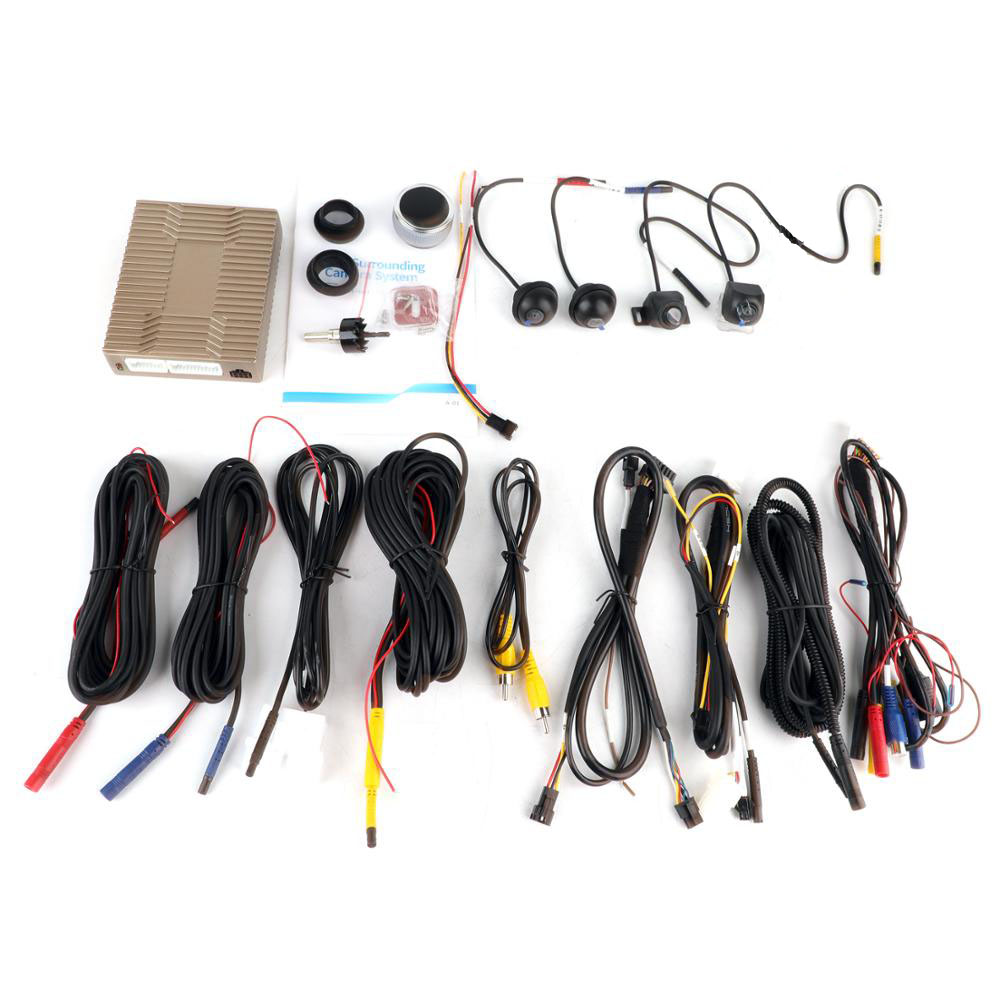
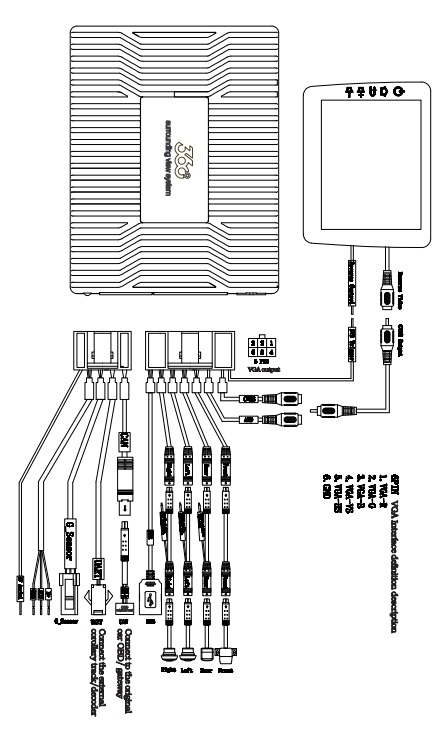
The relevant interfaces of the host and main package are as follows:
1. Power connection: Connect the power supply (yellow cable to normal power supply; red cable to ACC, black cable to ground).
2. Red lines on the extension cable: Connect the positive poles of the left and right turn signals or the reversing light
3. Black BMW joint : Connect to the front camera
4. Connect the yellow BMW joint to the rear view camera
5. Red BMW connector: Connect to the left camera
6 Blue BMW connector: Connect to the correct camera
7. Yellow AV interface: Host video CVBS output interface which is connected to the CVBS reverse video channel display via a video extension cable
8. Blue AV interface: Host Video AHD-output interface via the video extension cable to the central AHD reverse video channel display connected
9.Brown DVD Trigger Line: Connect the navigation and reverse detection line
10. Yellow RF antenna receives the controller signal
11.6PIN interface: VGA video output interface of the host, connection to the VGA decoder; and connect to the original vehicle screen via the decoder (original vehicle assistance required)
12. USB interface: Connect the U disk, which can be used for driving recordings, system upgrade and saving parameters
13. OBD / CAN Interface: Some models will be inserted into the original OBD of the vehicle, and some models will be connected to the gateway or host CAN line. Specific According to System Setting - Model Menu Prompt Setting
14. Indicator Light The flashing red light on the host device means it is operating normally. While the blinking green light means it can receive the signal from the controller. Operate the controller without a blinking green light. Verify that the controller is successfully paired with batteries or batteries installed