By Daniel | 01 March 2021 | 0 Comments
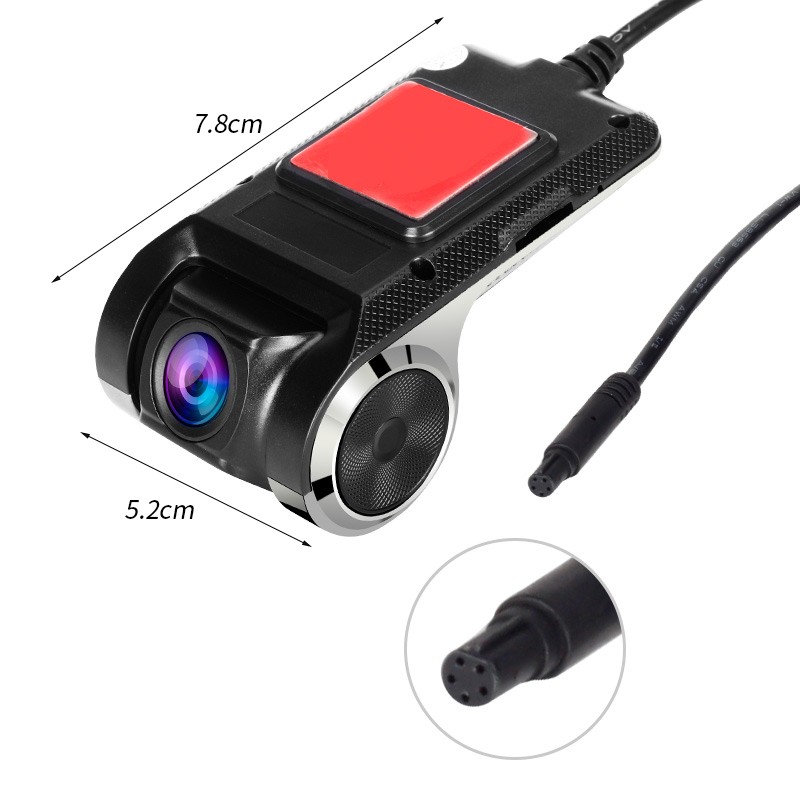
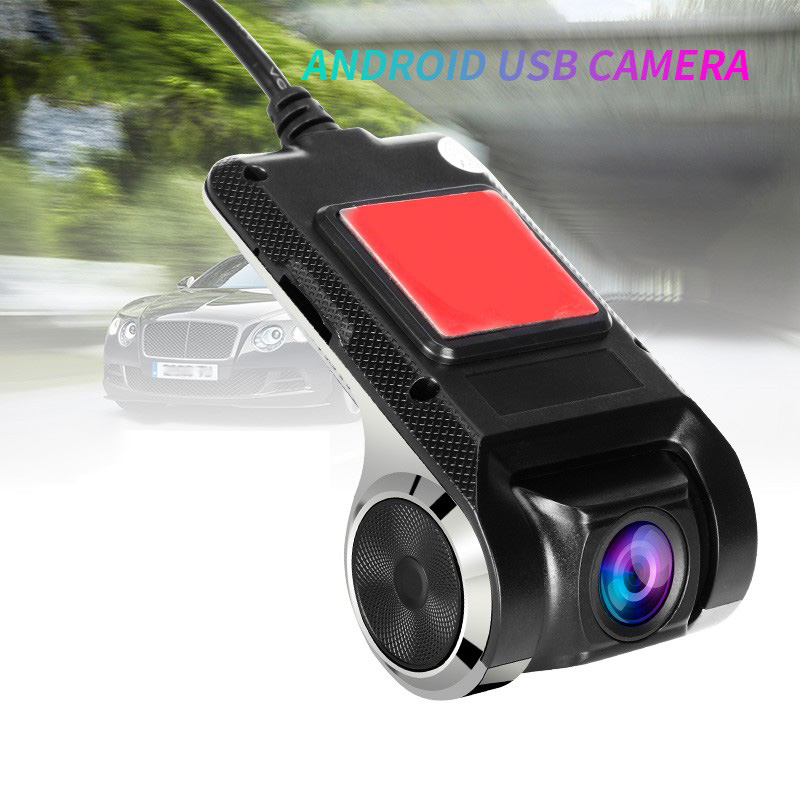
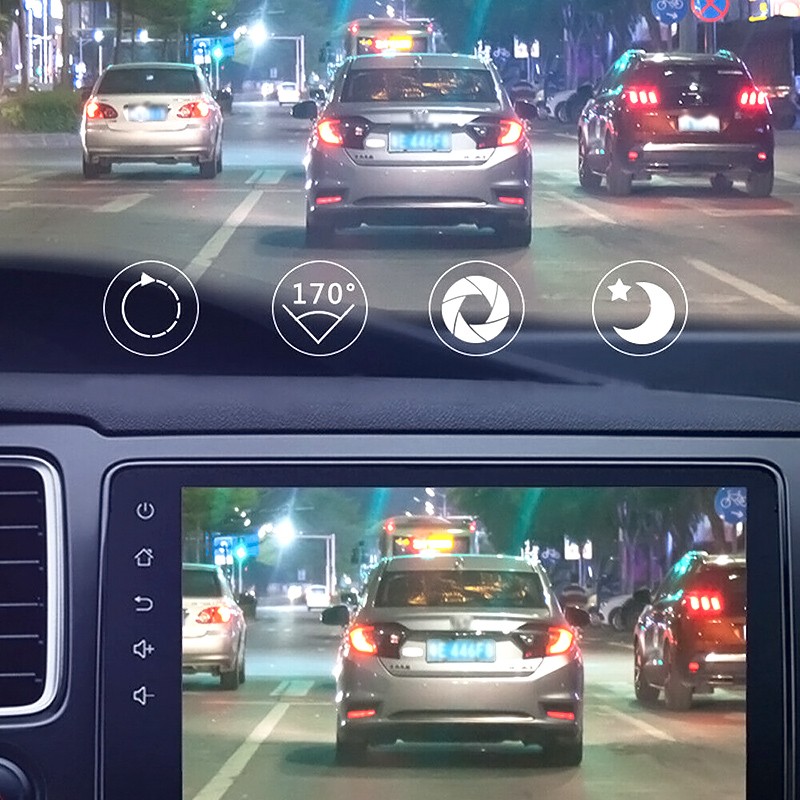
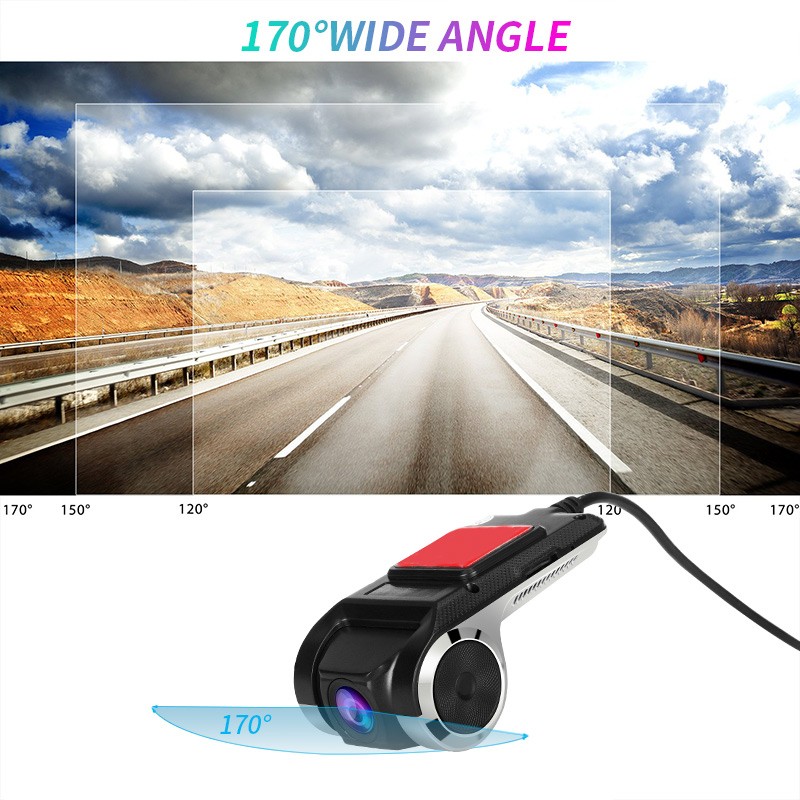
1080P HD Car DVR Camera Android USB Car Digital Video Recorder Camcorder Hidden Night Vision Dash Ca
3 pieces in stock! Order by 5:30 pm, deliver it tomorrow or come pick it up right away! Absolutely great device!
Dear customer:
This camera has been updated recently. It added the "ADAS" function (measure the distance from the front vehicle). You will see the ADAS function after you update the app to latest version.
Q1: How to install this camera?
A1:
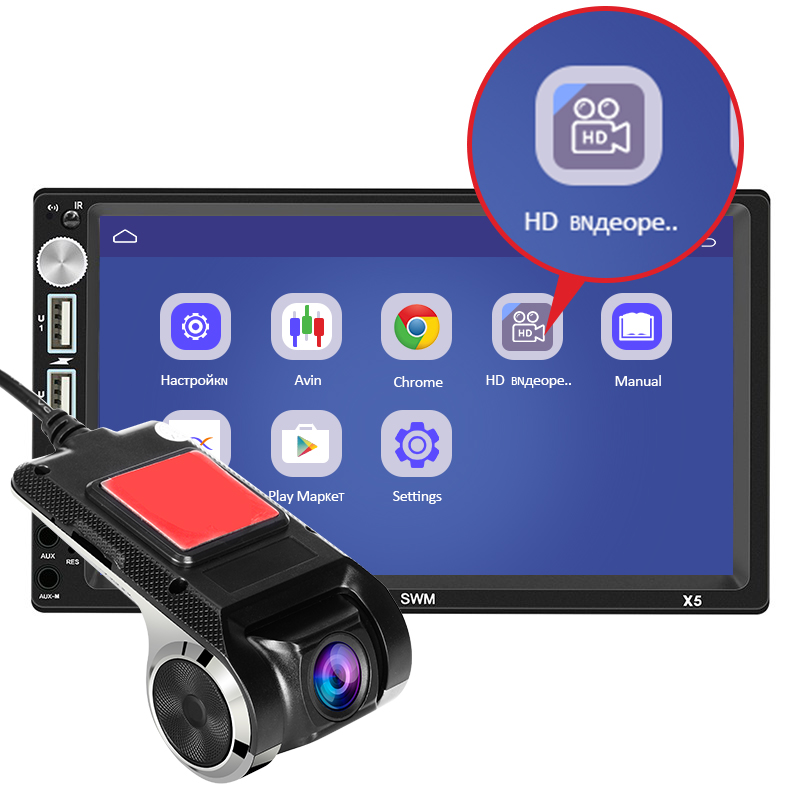
1. Connect this camera to your car multimedia player (android 4.0 or above). As video shows;
2. find the file management option on the main interface of the auto player, enter the file management and find the external USB storage disk;
3. click on the external USB storage disk and find the APK file, then click to install;
4. after you install the APP, open the APP, you will see the camera starts working.
Note:
1. please make sure that your car multimedia player is Android 4.0 or above
2. please follow the steps above to install this camera. (do not use other "DVR" app to operate this camera. You should install the app from this camera,)
3. Please connect this camera to the USB of your car multimedia player. (if you connect this camera to a wrong USB. for example, the USB of music player, it does not work).
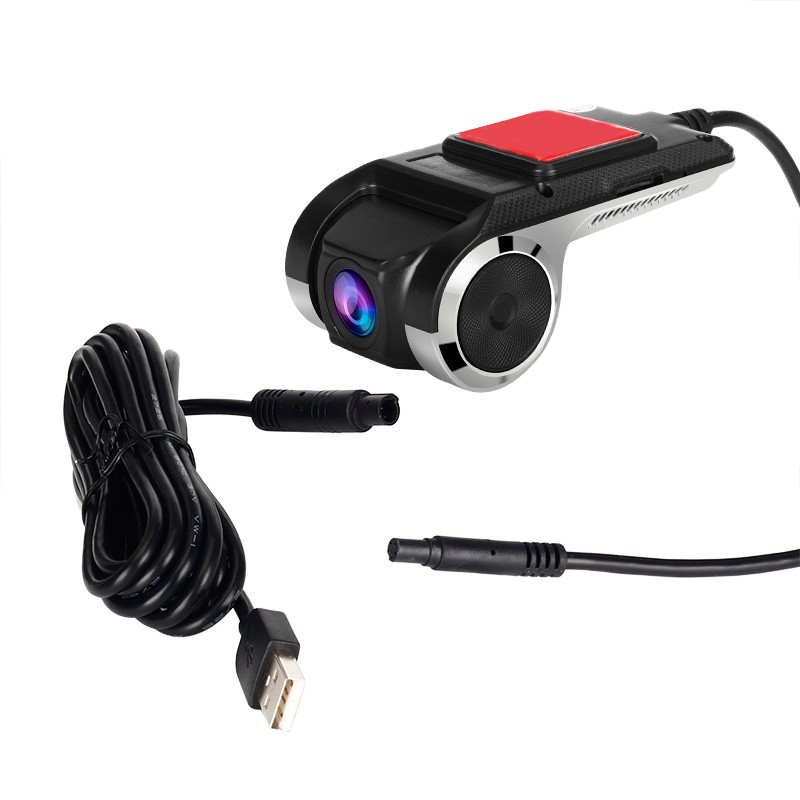
Product Contains:
1 x Car DVR
1 x USB power cable
1 x user manual




Dear customer:
This camera has been updated recently. It added the "ADAS" function (measure the distance from the front vehicle). You will see the ADAS function after you update the app to latest version.
Q1: How to install this camera?
A1:
1. Connect this camera to your car multimedia player (android 4.0 or above). As video shows;
2. find the file management option on the main interface of the auto player, enter the file management and find the external USB storage disk;
3. click on the external USB storage disk and find the APK file, then click to install;
4. after you install the APP, open the APP, you will see the camera starts working.
Note:
1. please make sure that your car multimedia player is Android 4.0 or above
2. please follow the steps above to install this camera. (do not use other "DVR" app to operate this camera. You should install the app from this camera,)
3. Please connect this camera to the USB of your car multimedia player. (if you connect this camera to a wrong USB. for example, the USB of music player, it does not work).
Product Contains:
1 x Car DVR
1 x USB power cable
1 x user manual


Leave a Reply
Your email address will not be published.Required fields are marked. *